Getting Started with WebMon
Set up your first monitor in under 5 minutes and start keeping track of your website's uptime, performance, and security.
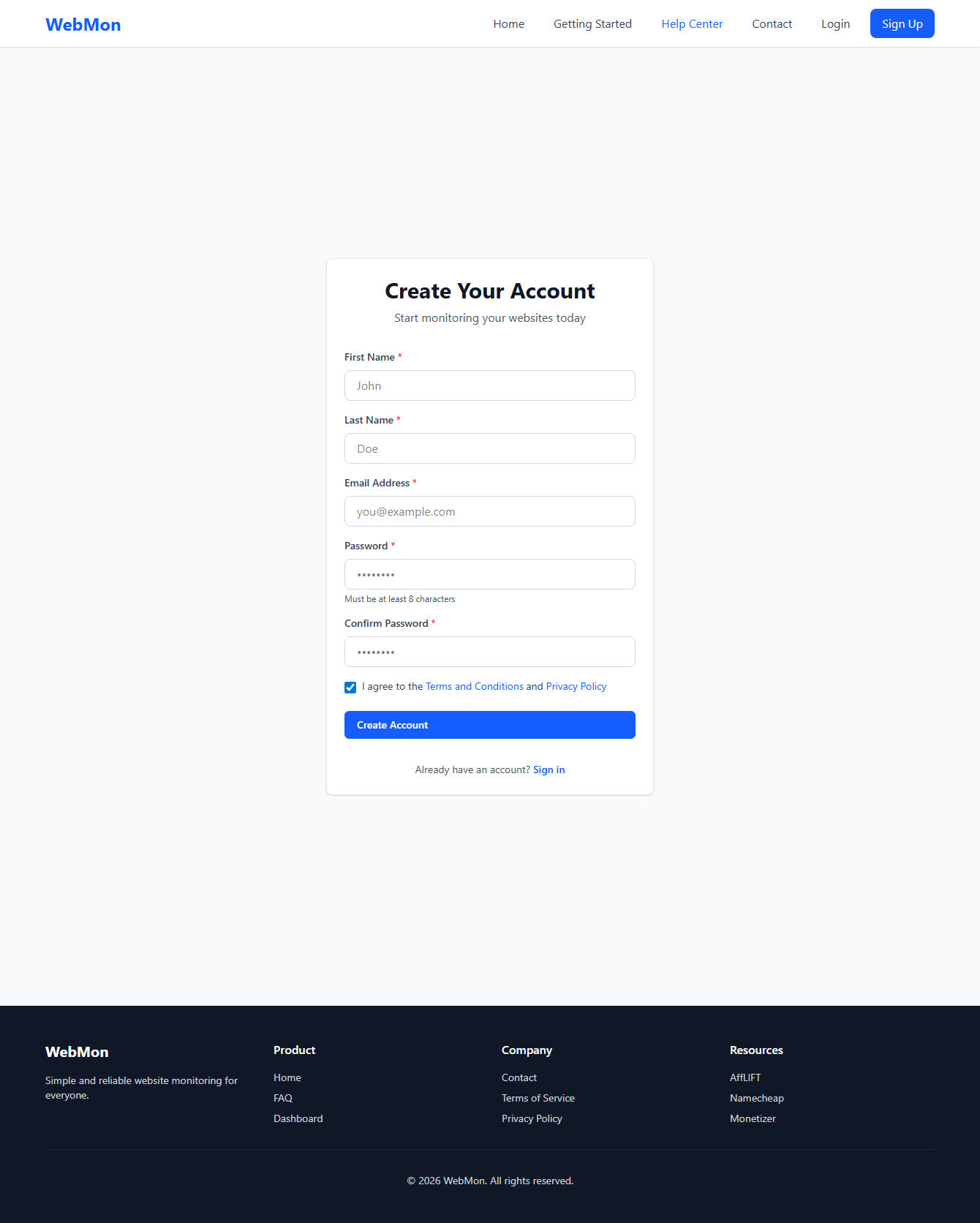
Create Your Account
Start by creating your free WebMon account. You'll need a valid email address to receive alerts when your monitors detect issues.
What you'll need:
- Your name
- A valid email address for alerts
- A password (8 characters minimum)
Add Your First Monitor
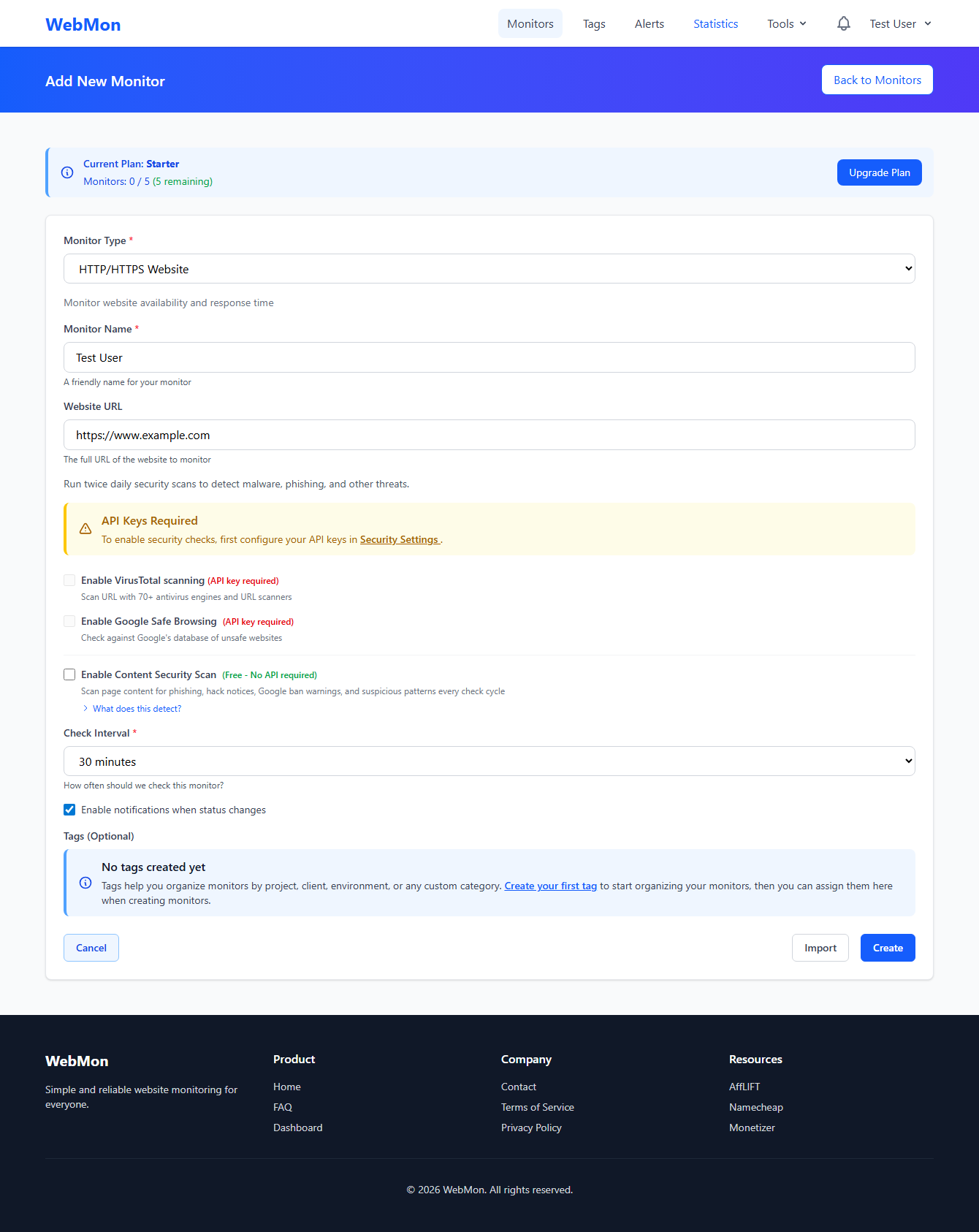
Click the "Add Monitor" button from your dashboard to create your first website monitor. Enter the URL you want to monitor and give it a friendly name.
Pro Tip
Start with your homepage URL. You can add more specific pages later.
Configure Monitor Settings
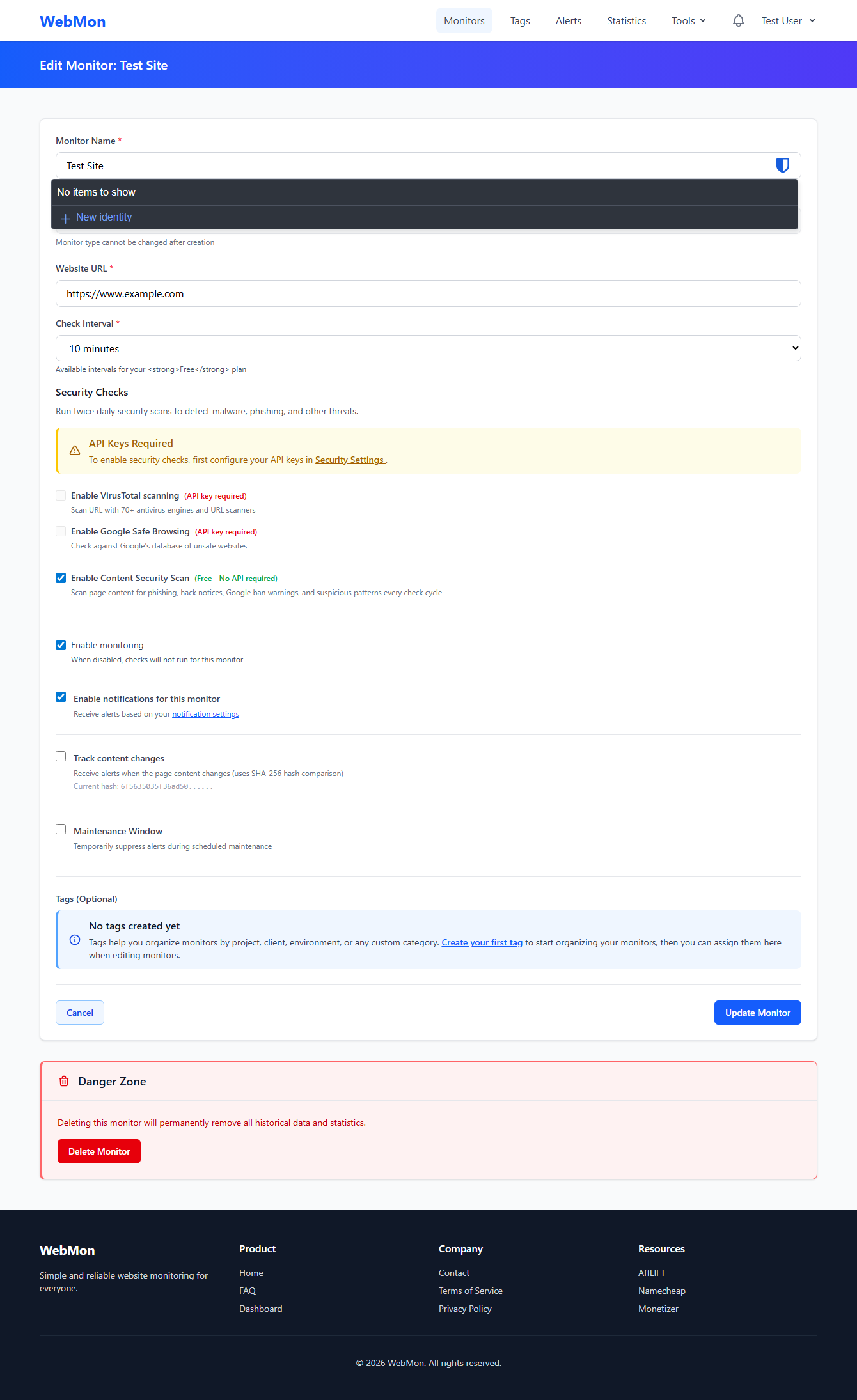
Customize how often your site is checked and what constitutes a successful response. The default settings work great for most websites.
Check Interval
How often we check your site. Free plans check every 5 minutes, Pro plans can check every minute.
Timeout
How long to wait for a response before marking the check as failed. Default is 30 seconds.
Expected Status Code
Usually 200 for a successful response. Some pages may return 301 or 302 for redirects.
Keyword Monitoring
Optionally check for specific text on the page to ensure content loads correctly.
Set Up Alerts
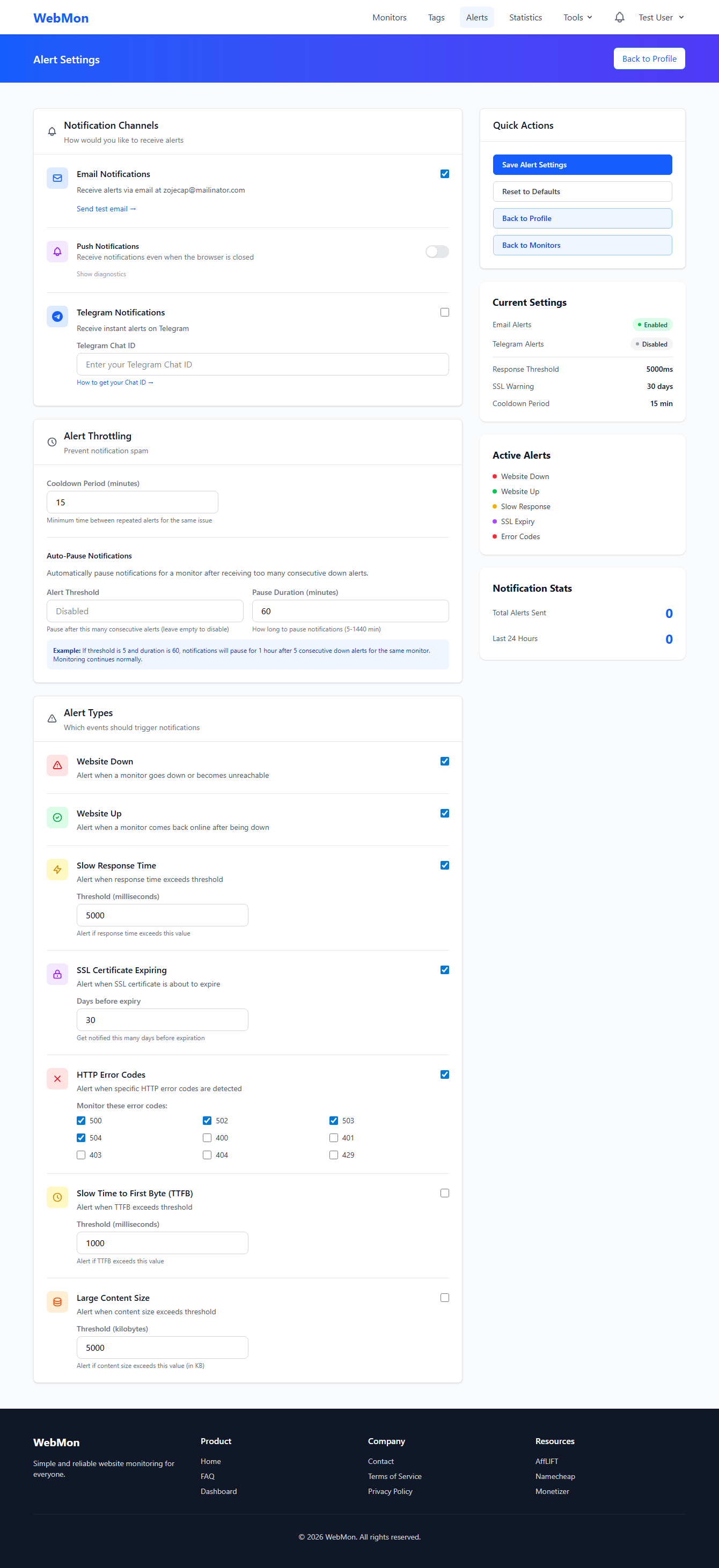
Get notified instantly when your website goes down. Configure email alerts and optionally enable push notifications for real-time alerts on your phone.
Email Alerts
Receive detailed email notifications when monitors go down or recover.
Push Notifications
Get instant alerts on your desktop or mobile device, even when WebMon isn't open.
Telegram Alerts
Connect your Telegram account for instant messaging alerts wherever you are.
Explore Security Features
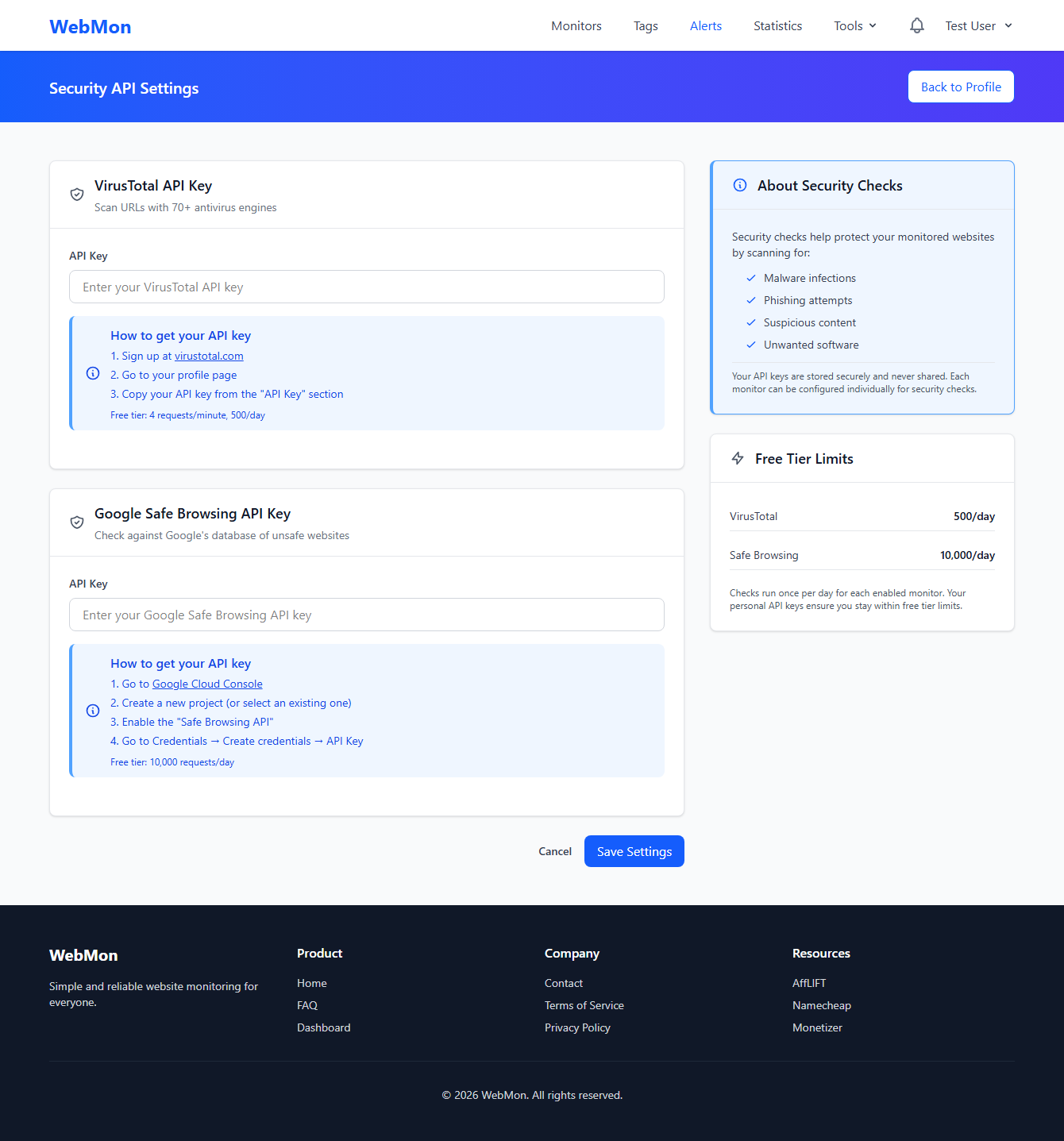
WebMon doesn't just monitor uptime - it also checks your website's security. Get insights into SSL certificates, security headers, and more.
SSL Monitoring
Track certificate expiry and get alerts before they expire.
Security Headers
Check for important headers like HSTS, CSP, and more.
Domain Monitoring
Know when your domain is about to expire.
Create a Public Status Page
Create a simple, shareable status page to view all your monitors at a glance. Access your uptime data from anywhere without logging in, or share it with your team.
Status Pages Include
- All your monitors in one easy-to-view page
- Real-time uptime statistics
- Historical uptime charts
- Optional password protection for privacy
Discover More Features
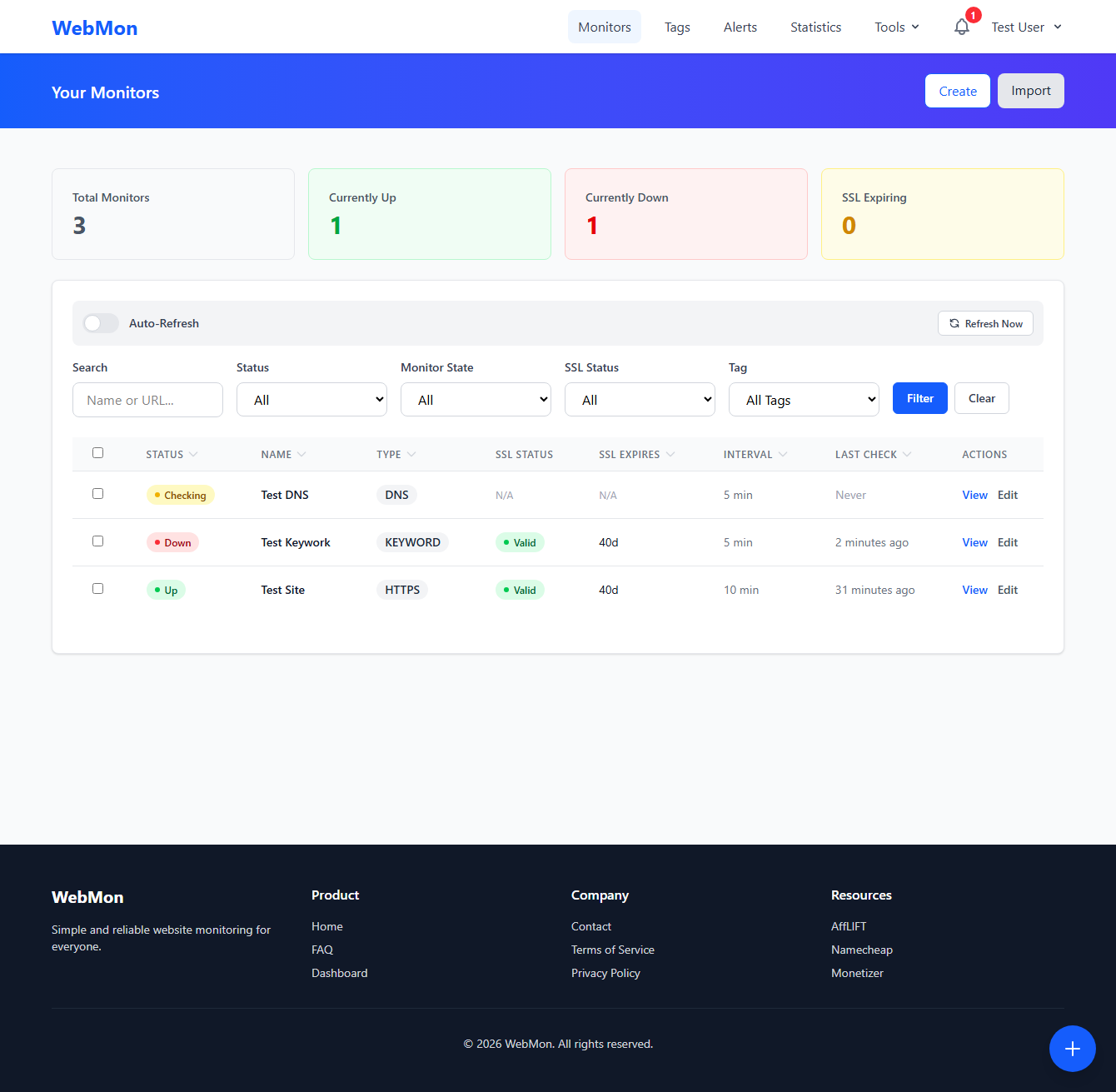
Once you're set up, explore these additional features to get the most out of WebMon.
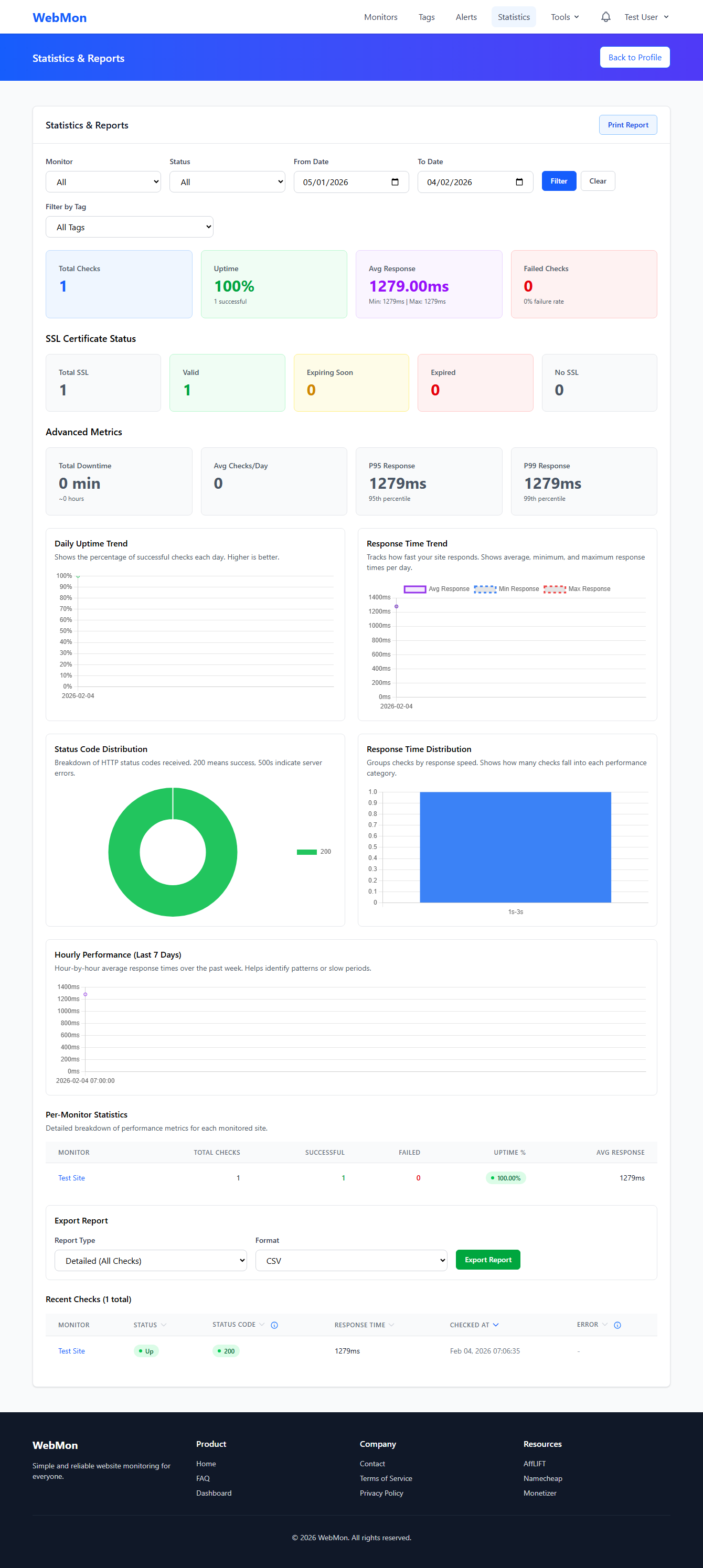
Statistics & Reports
View detailed uptime statistics, response time trends, and performance reports across all your monitors. Export data and track improvements over time.
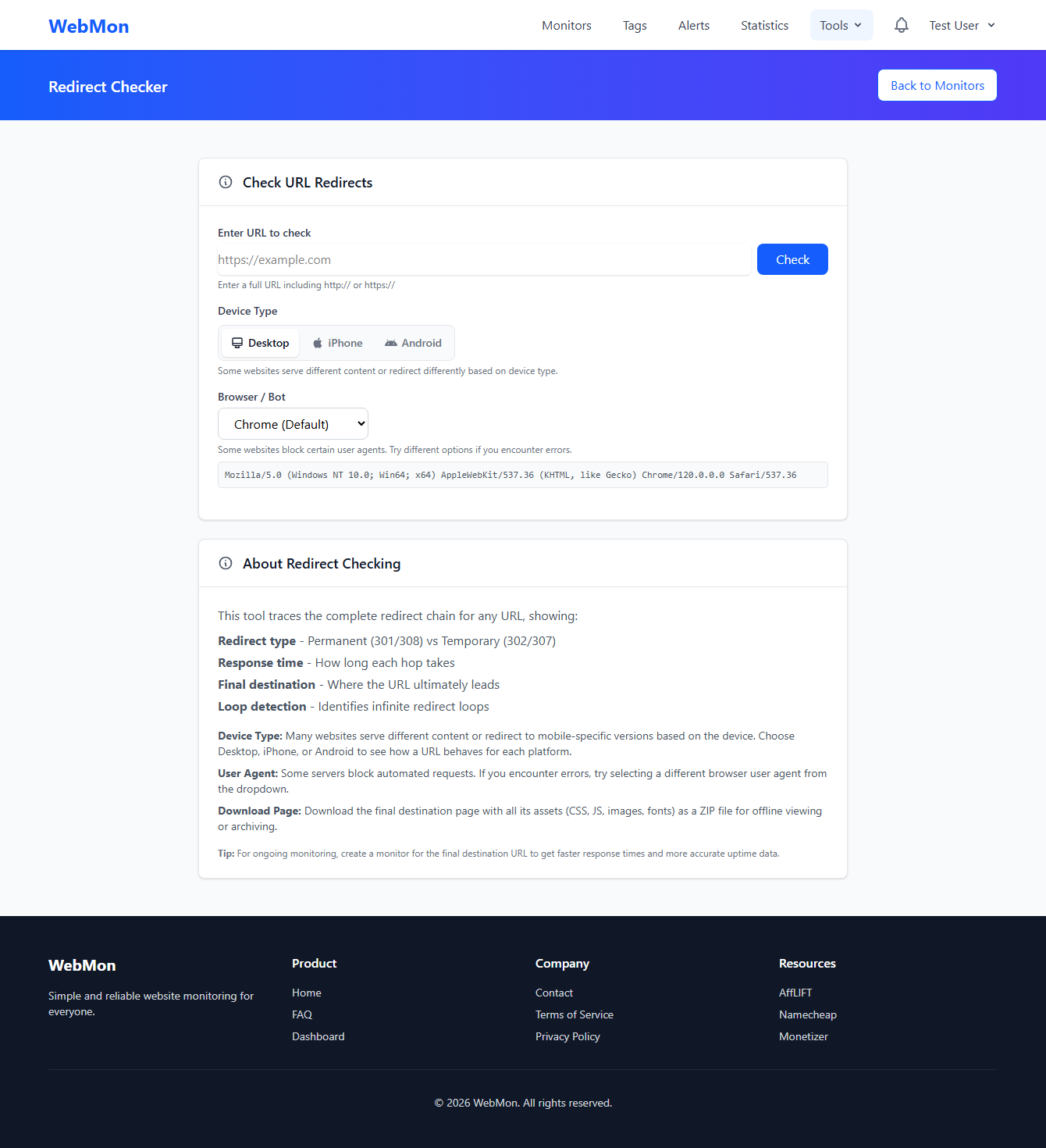
Helpful Tools
Use our built-in tools like the Redirect Checker to trace URL redirects, Content Change Checker, and Security Scanner to keep your sites secure.
More Powerful Features
Explore additional tools and features designed to make monitoring easier and more efficient.
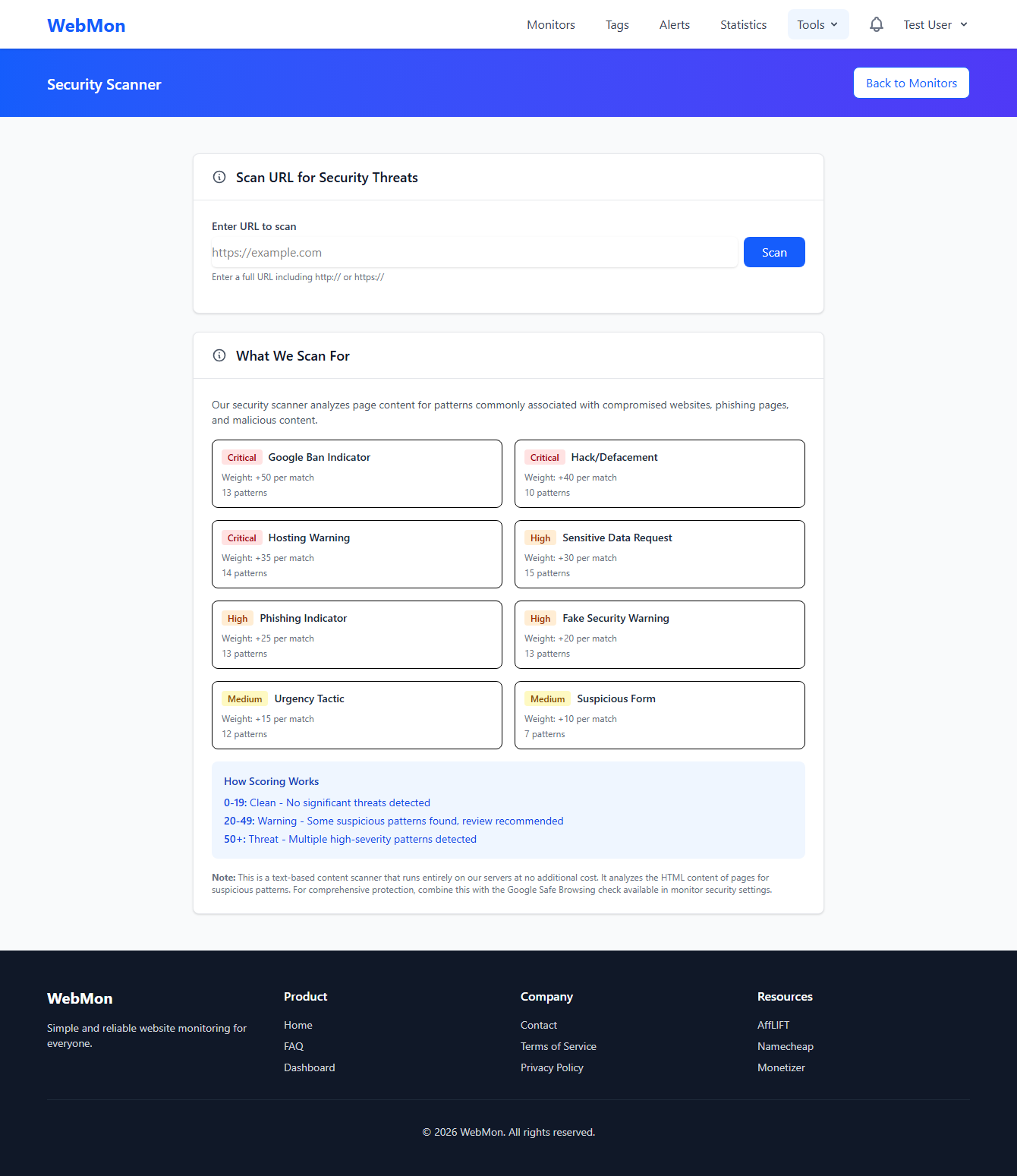
Security Scanner
Scan your websites for common vulnerabilities, security headers, SSL configuration, and potential security issues.
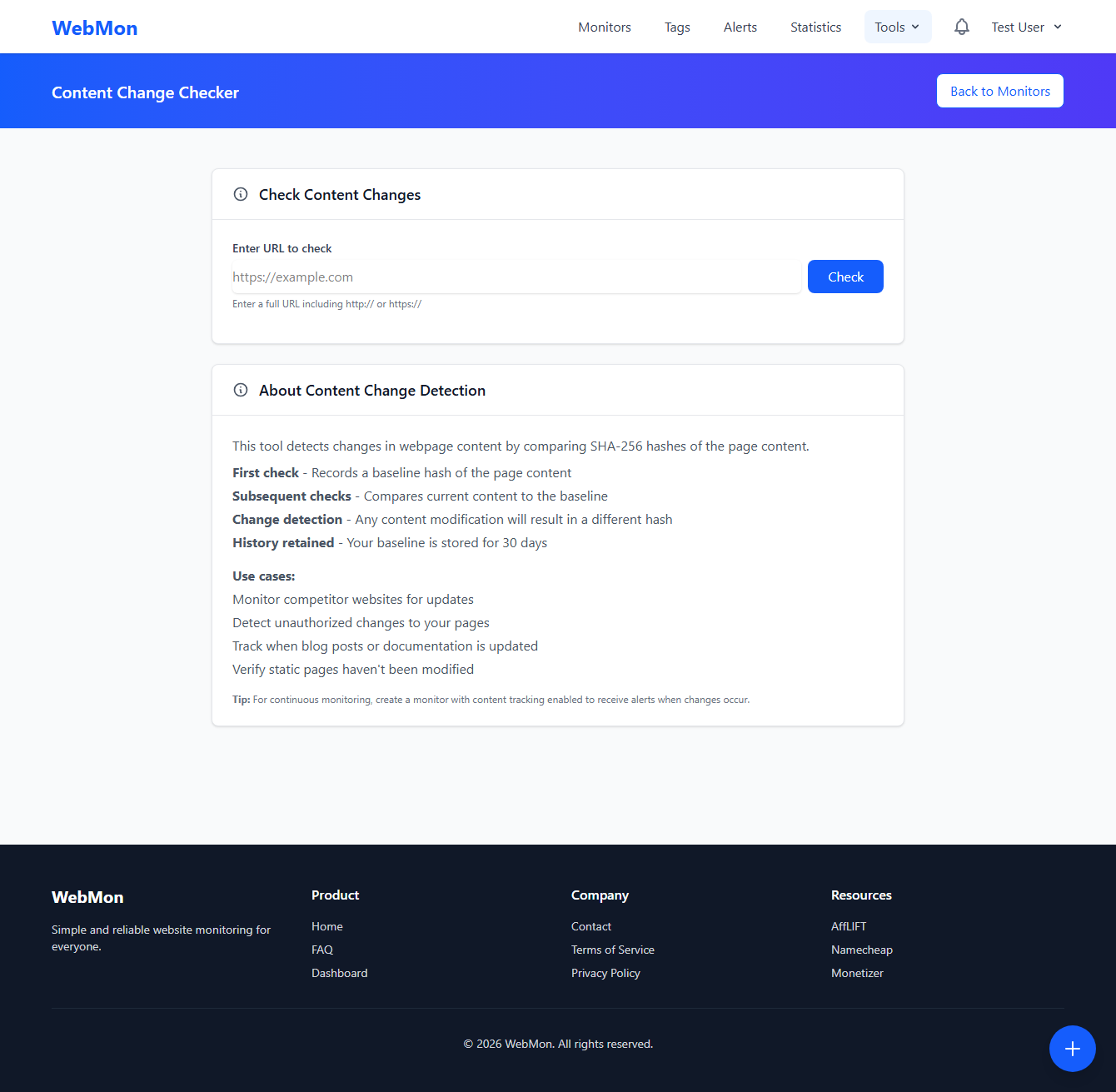
Content Change Checker
Compare page content over time and get alerted when specific sections of your website change unexpectedly.
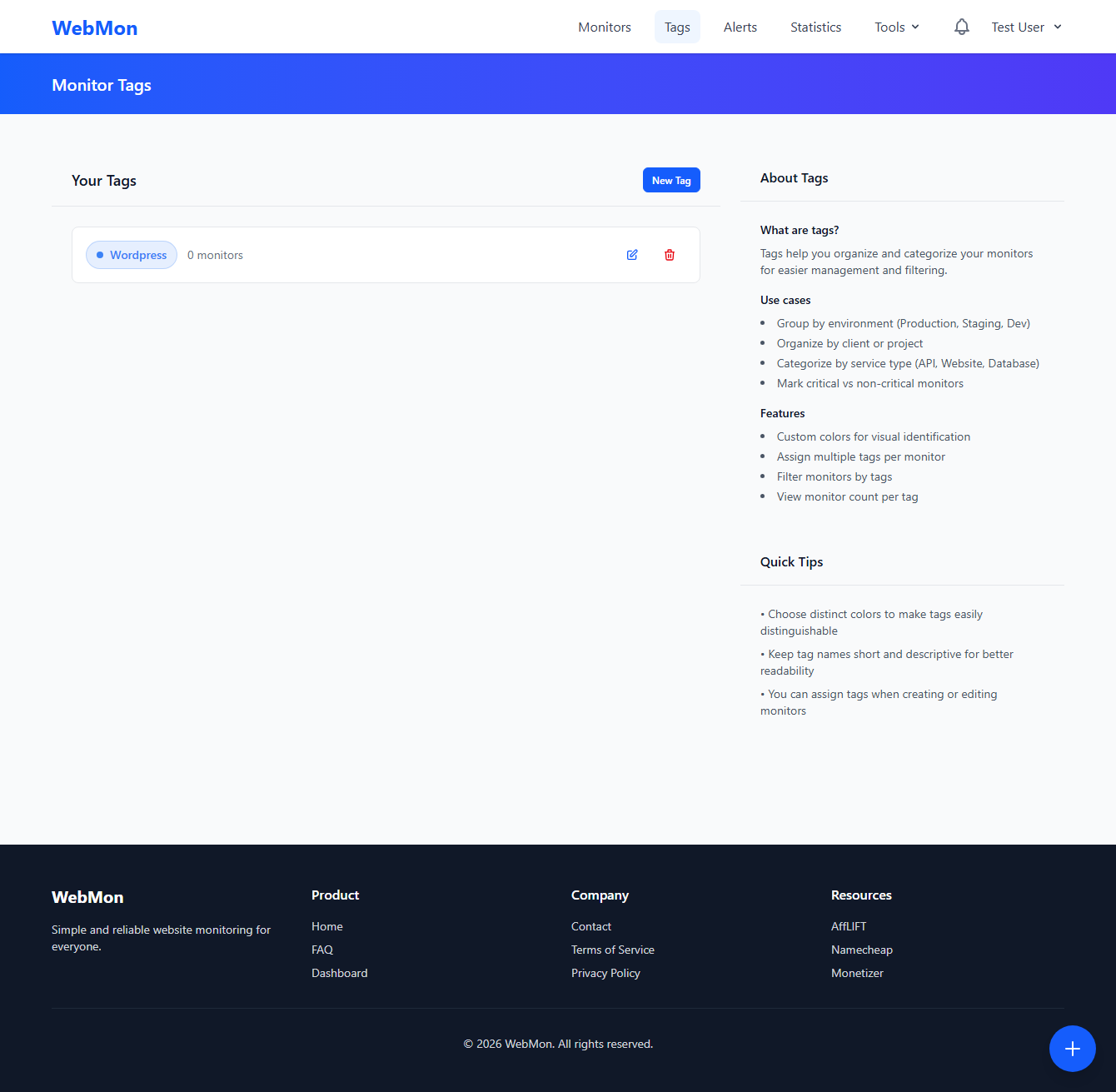
Tags & Organization
Organize your monitors with tags, making it easy to filter and manage multiple websites efficiently.
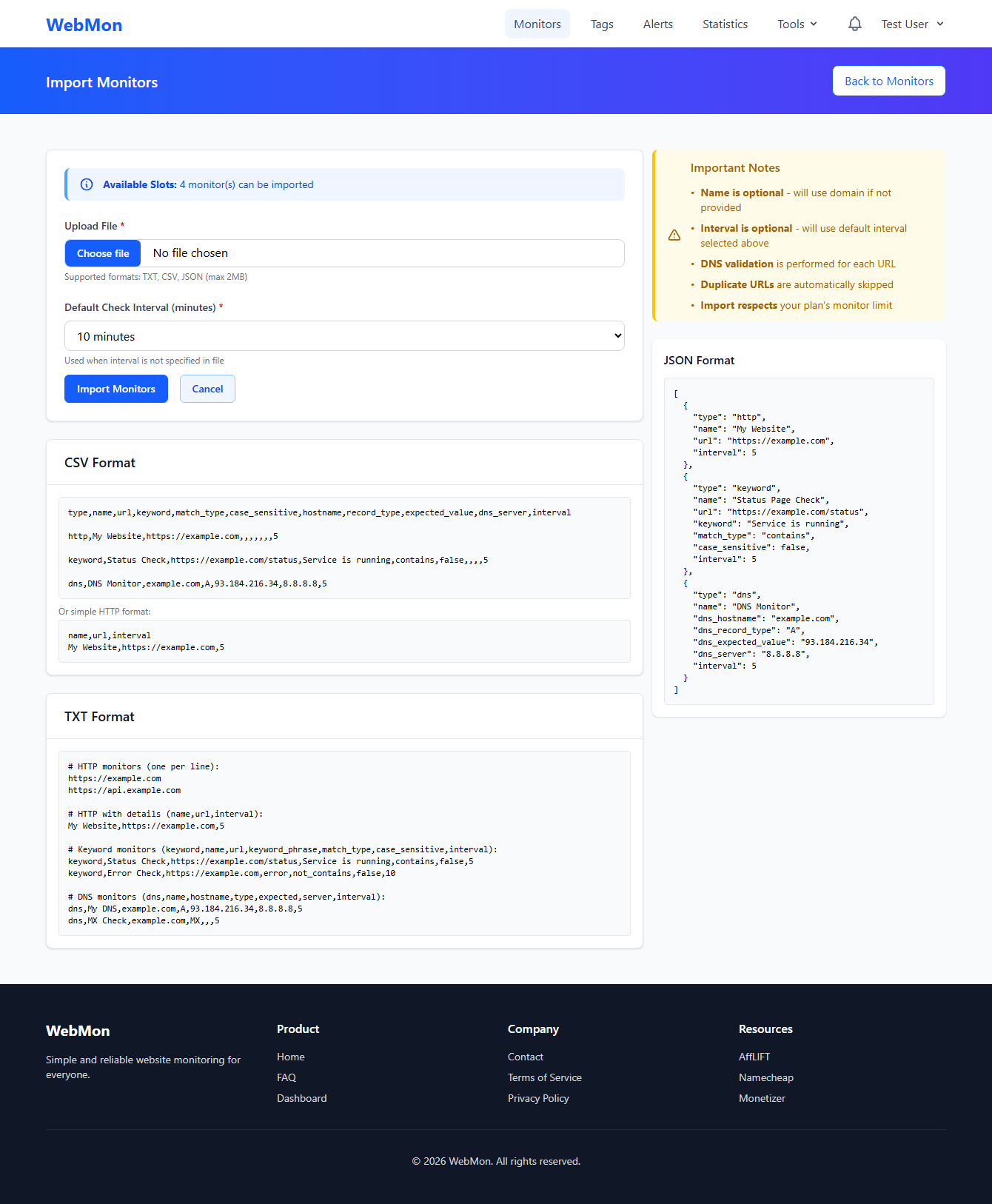
Bulk Import
Import multiple monitors at once from CSV or migrate from other monitoring services quickly and easily.
You're All Set!
Your website monitoring is now up and running. Explore more features in our Knowledge Base or reach out if you have questions.